iBotNet.A – Malware Affecting iPhone Users
Recently there has been a significant rise in iPhone malware affecting jailbroken users. All the malwares take advantage of the default root:alpine SSH configuration. This new malware is by and far the most sophisticated among all the iPhone malwares. It creates a botnet, which is a series of infected nodes (iPhones in this case) that work together to perform a task like denial of service attacks (DoS attacks).
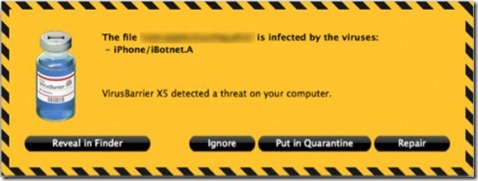
The Virus changes the default SSH password, downloads additional malicious software that enables the iPhone to be used in a Botnet.
How to prevent this virus
This and almost all of the iPhone viruses can be prevented by changing the default SSH password. Below are the steps needed to change the default password:
- Open Cydia. Search “Terminal”. Install MobileTerminal.
- Open MobileTerminal. Type the follow commands:
- su root
- alpine
- passwd root
- Type your new password.
- You can also install SBSettings from Cydia to switch off SSH when it is not needed.
If you have any question we’ll love to hear back from you on twitter via @technonix. You can also subscribe to our daily free e-mail news letter or follow technoNix on Facebook and keep your self updated with the latest of iPhone community.