Jailbreak iOS 5 and iOS 5.0.1 Beta 2 using Sn0wBreeze 2.8b10
Sn0wBreeze 2.8b10 is now released by iH8sn0w Team to jailbreak iOS 5 and iOS 5.0.1 beta 1 and beta 2 for iPhone 3GS, iPhone 4, iPad and iPod Touch. The software cooks custom firmware which is useful if you rely on unlock. Below is the changelog of Sn0wBreeze 2.8b10:
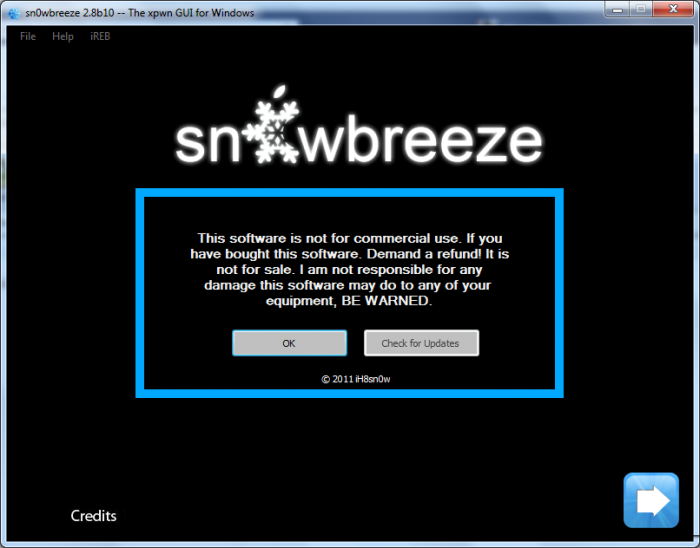
sn0wbreeze v2.8 [BETA 10]:
- Supports iOS 5.0 (9A334)/5.0.1-b2 (9A404)
- Fixed iBooks sandbox crashing issues (as of 2.8b9).
- Fixed location services issues with iPhone 3GS users running the iPad baseband (as of 2.8b9).
- Re-added iPad baseband install option to iPhone 3GS.
- Removes UDID requirement/Beta timer in 5.0.1.
- Tethered devices are booted via iBooty which is extracted to the Desktop after running sn0wbreeze.
iPhone 3GS iPad baseband (06.15.00) users:
- Re-flash the iPad baseband via sn0wbreeze if you restore(d) to a stock 5.0 firmware.
Here is a step by step guide to jailbreak iOS 5.0.1 beta 2 on iPhone 3GS, iPhone 4, iPad and iPod Touch using Sn0wBreeze 2.8b10:
- Download iOS 5.0.1 beta 2 from Apple Developer website.
- Download Sn0wBreeze 2.8b10 from here: sn0wbreeze v2.8b10 (For iOS 5.0/5.0.1-b2)
- Open Sn0wBreeze and point it to iOS 5.0.1 beta 2 firmware file downloaded in step 1
- Choose Expert Mode and choose your options. If you are unsure, you can click “Build IPSW”
- After IPSW build is complete, Follow onscreen instructions to put you device in DFU mode
- Open iTunes. It’ll detect the device in DFU mode. Now click alt key and press restore button.
- Browse to custom IPSW built via Sn0wBreeze (and not the custom IPSW downloaded in step 1)
- Relax and let iTunes do its work. It’ll take some time.
Congratulations. You now have iOS 5.0.1 beta 2 jailbroken on your iPhone, iPad or iPod Touch.
Using iBooty To Boot Into Tethered Mode :
If you have device with new bootrom, the jailbreak will be tethered, which means you’ll have to connect your idevice to computer if you want to restart it. Sn0wBreeze comes with a tool named iBooty which allows you to do just that… booting into Pwned Jailbroken state. Below are the steps to boot into jailbroken state:
- Launch iBooty from your desktop.
- Select your device from dropdown list on bottom-right and click Start
- Follow onscreen instructions to put your device in DFU mode
- Let iBooty do its work
You’ll now be booted into Jailbroken state from where you can start Cydia and begin installing apps.
For more such updates on iPhone jailbreaking and unlocking, subscribe to technoNix via email or connect with us via our facebook fan page.