Step By Step Guide to Jailbreak iPod Touch 2G and 1G 3.0 on Windows using Redsnow (Redsn0w)
Dev Team recently released redsnow (redsn0w) that can unlock iPod Touch 2G, iPod Touch 1G and iPhone 2G. We already have direct download links to redsnow (redsn0w).
Here we have a step by step guide to jailbreak iPod Touch 2G and 1G 3.0 using redsnow (redsn0w):
- Download iPod Touch 1G or 2G firmware using direct download links posted at technoNix
- Download redsnow (redsn0w) using direct links posted at technoNix
- Open up iTunes 8.2. It’ll detect your iPod Touch.
- Press Shift and click restore.
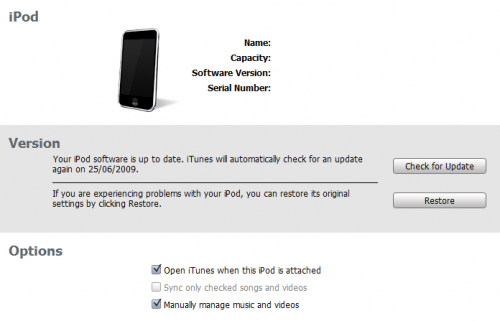
- Browse for the ipsw file you downloaded in step 1. iTunes will restore the iPod Touch to 3.0.Let it do its work. It may take some time.
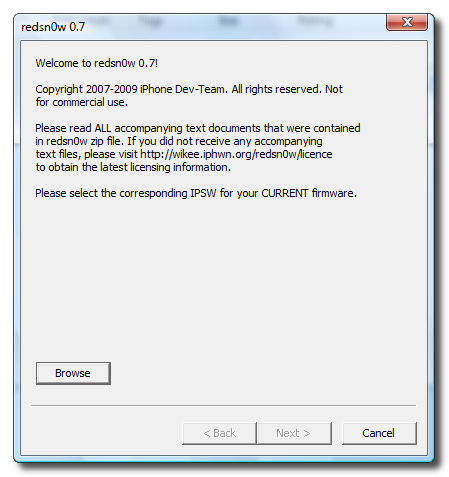
- Open redsnow (redsn0w). Browse for the ipsw file you downloaded in step1. It’ll verify the file. Click next.
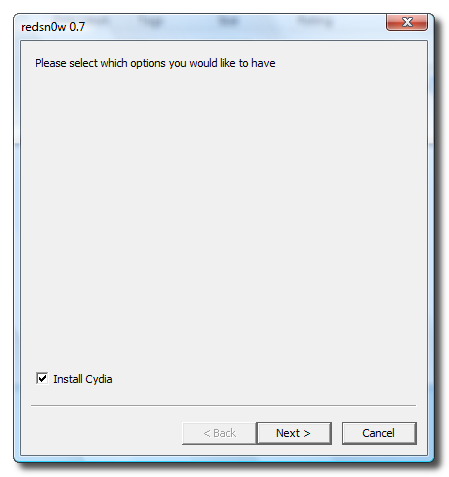
- Check Cydia and click next.
- Plug you iPod Touch into computer and Turn it off. If it was already connected, then simply turn it off.
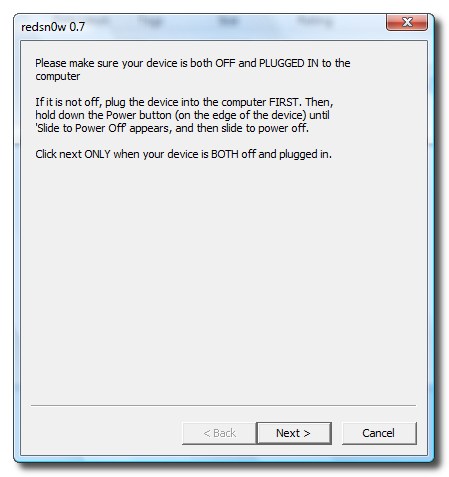
- redsnow (redsn0w) will now guide you to put your iPod Touch in DFU mode. Do exactly as shown.

- Once done, it’ll start the jailbraking process. Relax and let it do its work. Do not interrupt or attempt to turn off the device. The jailbreak will complete in few minutes.
Congratulations, You have succesfully jailbreaked your iPod Touch using redsnow (redsn0w).