Jailbreak iPod Touch 3.1.3 Using Redsn0w (or Redsnow) 0.9.4
This guide teaches you how to jailbreak iPod touch 3.1.3 using redsn0w (or redsnow) 0.9.4. The process is simple, and here we have a step by step guide jailbreak iPod touch 3.1.3 using redsn0w (or redsnow) 0.9.4.
Redsn0w can jailbreak iPod Touch 1G and iPod Touch 2G(old models). New models of iPod Touch 2G and iPod Touch 3G are not supported.
Here is the guide:
- Upgrade to 3.1.3 using iTunes. You’ll need to pay a small fee to download and instal 3.1.3 on your iPod Touch. It may take some time.
- Download redsn0w for Windows or for Mac.
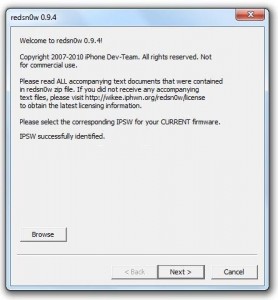
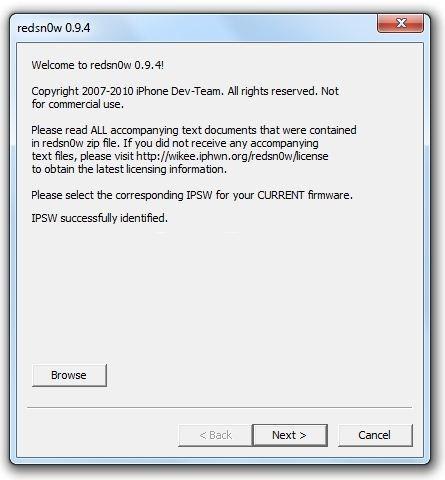
- Open redsn0w. Browse for iPod Touch 3.1.2 firmware. Yes you need 3.1.2 firmware for redsn0w not 3.1.3. Click “Next”.
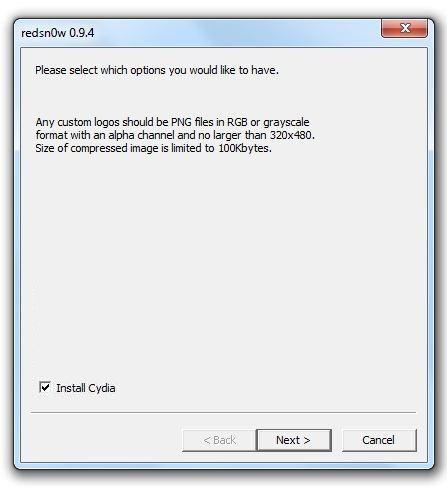
- Select “Install Cydia” and click “Next”.
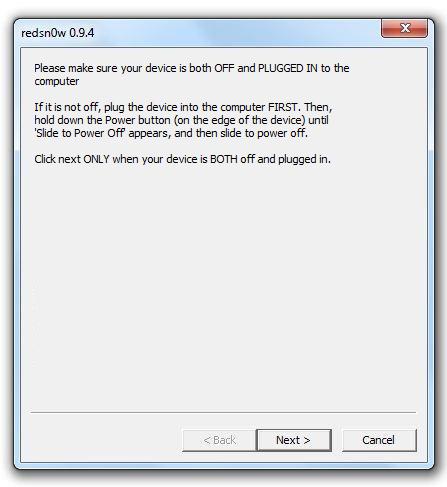
- Make sure your device is both OFF and PLUGGED IN to the computer and click “Next”.
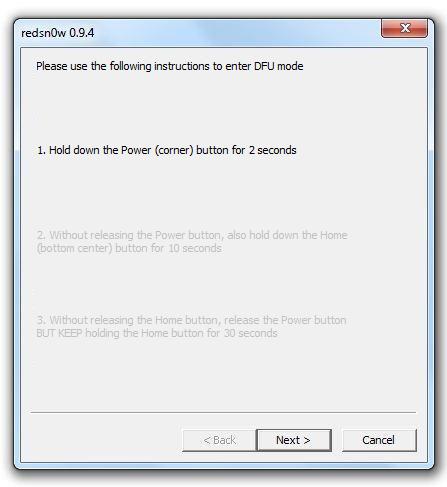
- Redsn0w will guide you to put the device in DFU mode. Do exactly as shown.
- Redsn0w will do its work now.Sit back and relax while it jailbreaks your iPod Touch.
Voila.You now have a jailbroken iPod Touch 🙂
For more such updates on iPhone jailbreaking and unlocking, subscribe to technoNix via email or connect with us via our facebook fan page.