How to fix redsn0w “Exploit Failed” error on Windows and Mac
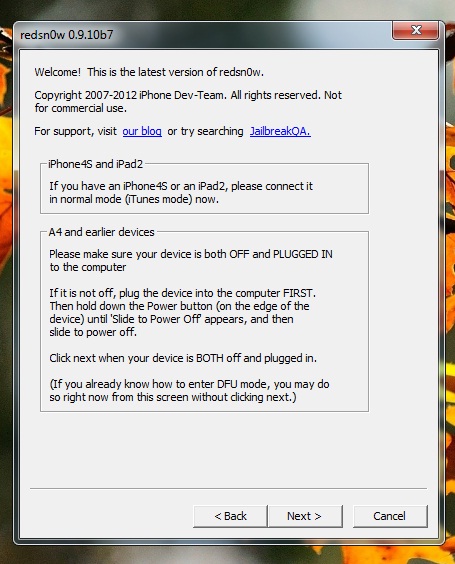
Surprisingly, many users get “Exploit Failed” error while trying to jailbreak iPhone, iPad or iPod Touch using redsn0w. The error pops up usually when redsn0w is trying to apply Limera1n exploit. The issue is present in boh Mac and Windows version of redsn0w. However, the solution to this problem is very simple as given below:
- If on windows, make sure you are running redsn0w in administrative mode
- If you are using usb 3.0, unplug the cable and try it with usb 2.0
- While putting the device in DFU mode, At the last step when redsn0w asks you to hold home button only for 15 seconds, keep holding it until “Exploiting with limera1n” is complete. Do not let go of home button
For more such updates on iPhone jailbreaking and unlocking, subscribe to technoNix via email, connect with us via our facebook fan page or twitter.