Open and Mount .dmg Files in Windows XP/Vista/7
DMG files are used on Mac OS X as disk images. In a Mac, they are automatically mounted and used as hard disk. By default, Windows Xp/Vista/7 cannot open dmg files. However, with the use of MacDrive, you can open and mount .dmg files in Windows XP, Vista and Windows 7.

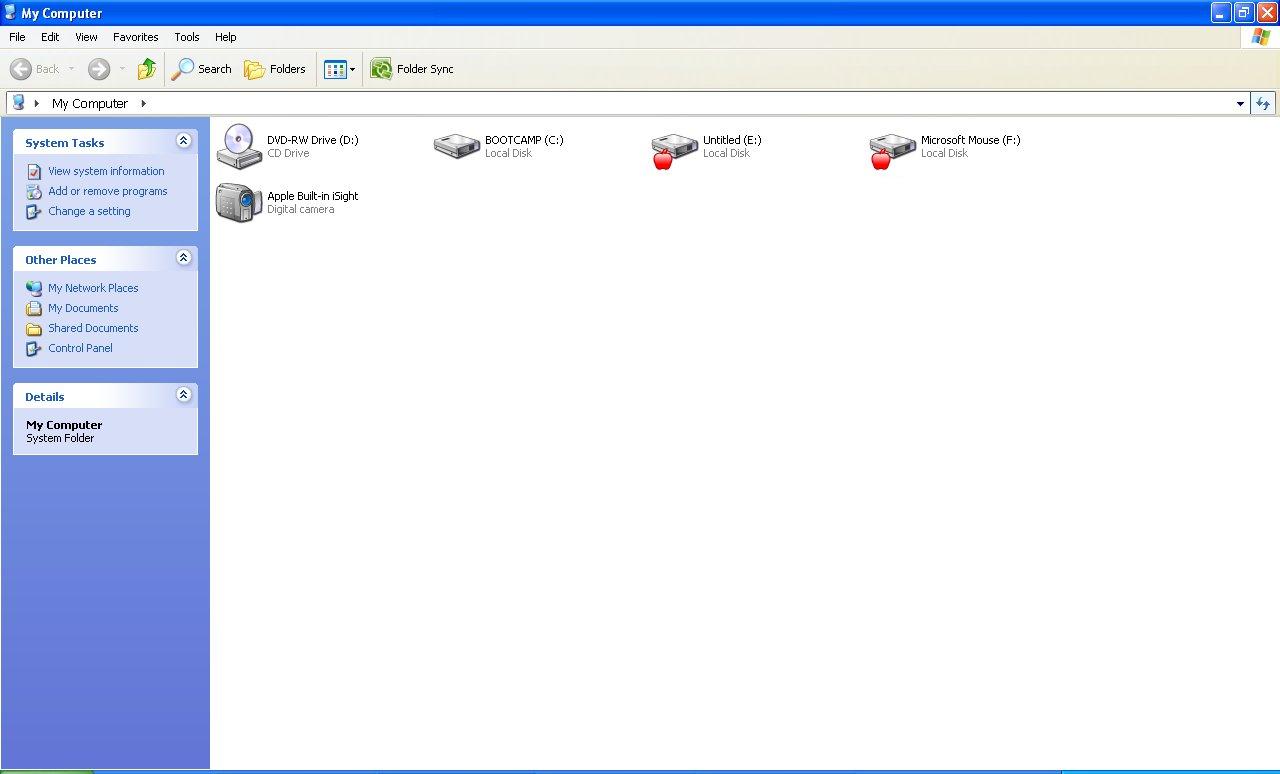
Mac Drive can also be used to have write access to HFS+ partitions, which is not currently implemented in BootCamp. It can also burn Mac DVDs and CDs with ease. The mounted files are shown as hard disks in “My Computer”.
MacDrive is not free, but a free trial is available for download. The full version costs $49.99 for single computer. More licensing option available on the official website.
Download MacDrive Free Trial : Download
Official Website: http://www.mediafour.com/products/macdrive/